


Download Mastodon – Decentralized, Ad‑Free Social Networking Tool
Overview
Mastodon is a free, open‑source social networking application that redefines how we connect online. Built on a federated architecture, Mastodon isn’t owned by a single corporation; instead, it consists of thousands of independent servers—called “instances”—that communicate through the ActivityPub protocol. This decentralization gives users the power to pick a community that aligns with their interests, values, or language, while still being able to interact with anyone on the wider Mastodon “fediverse.” The platform mirrors the familiar micro‑blogging style of Twitter, offering a clean timeline, character‑limited posts (known as “toots”), and rich media support, yet it does so without ads, tracking, or algorithmic timelines.
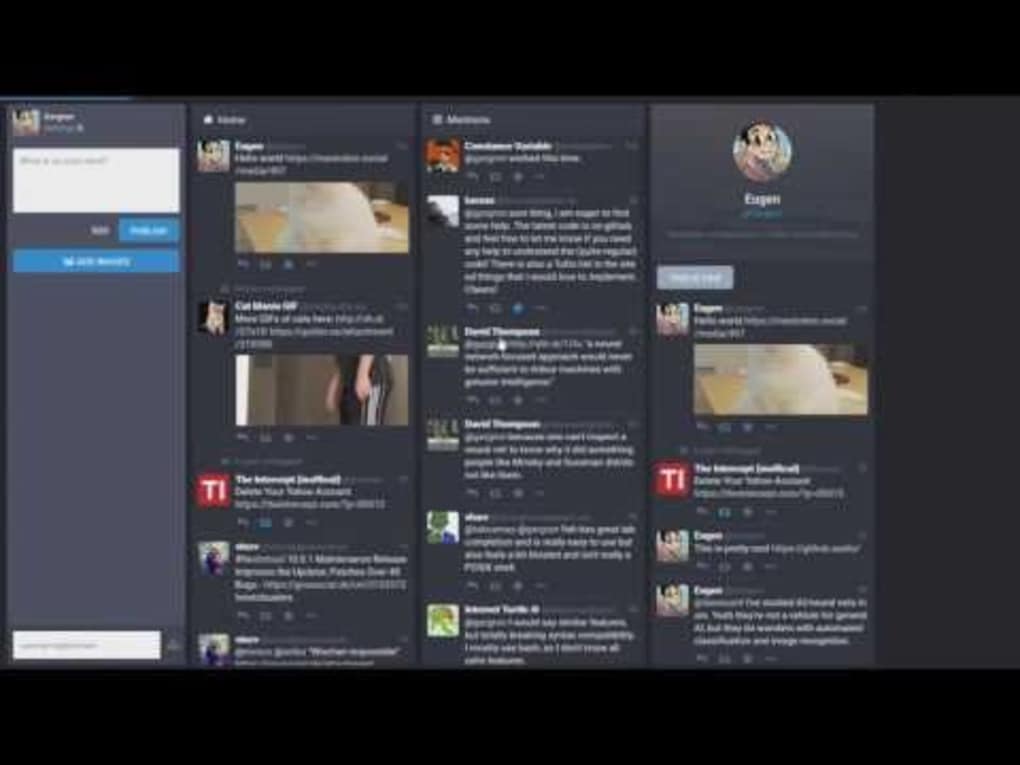
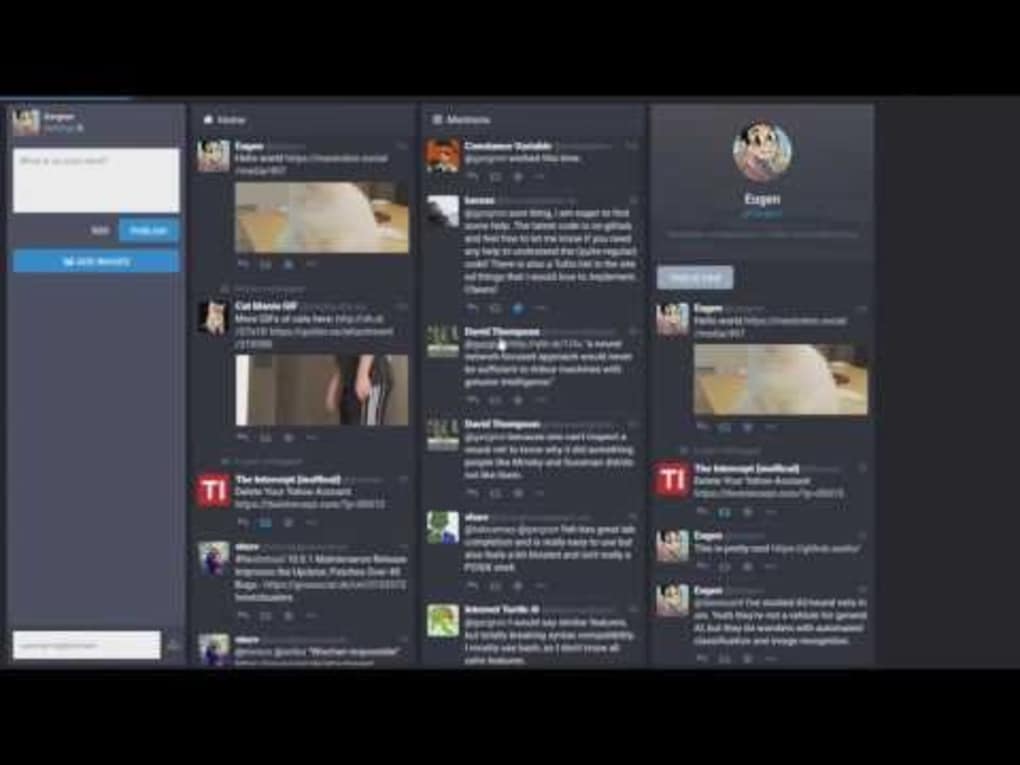
Registration is straightforward: users create an account on any public instance or even host their own server for total control. Once logged in, the interface is divided into three primary tabs—Home (your personalized timeline), Compose (where you write new toots and attach media), and Notifications (replies, boosts, and follows). Mastodon’s design encourages open conversation, community moderation, and a healthier online experience.
Because it’s open source, the code is constantly reviewed for security, and updates roll out regularly, keeping the app secure and performant on Windows, macOS, Linux, Android, and iOS devices.
Key Features & Functionalities
- Federated Network: Connect with users across thousands of independent instances while staying within a single, seamless timeline.
- Ad‑Free Experience: No hidden advertisements or data‑selling trackers—your feed is pure content.
- Customizable Timelines: Choose between a “Home” feed (posts from people you follow) and a “Local” feed (posts from your own instance).
- Rich Media Support: Upload images, GIFs, videos, and audio directly within toots; embed polls for quick feedback.
- Robust Moderation Tools: Instance admins can set content warnings, block domains, and enforce community guidelines.
- Content Warnings & Sensitive Media: Users can hide potentially sensitive content behind a warning, fostering a safer environment.
- Privacy Controls: Choose who can see each toot—public, followers‑only, or direct messages.
- Open API & Third‑Party Clients: Use alternative web clients like Pinafore, Cuckoo+, or Halcyon for a tailored experience.
- Cross‑Platform Sync: Seamlessly switch between desktop browsers, mobile apps, and third‑party clients without losing data.
- Community‑Driven Development: Regular community contributions ensure rapid bug fixes and feature enhancements.
These features combine to make Mastodon a compelling alternative to mainstream platforms. The federated nature means you’re never locked into a single corporate policy; you can migrate to a different instance if you disagree with moderation decisions. The open‑source codebase also invites developers to create plugins, bots, and custom themes, extending the platform’s capabilities far beyond the core offering. For creators, the ability to post long‑form content (up to 500 characters by default, configurable per instance) and attach high‑resolution media makes Mastodon a versatile tool for personal branding, community building, and real‑time discussion.
Installation, Usage & Compatibility
Getting Started on Desktop
Because Mastodon is primarily a web‑based service, the easiest way to begin is to visit joinmastodon.org and select an instance that matches your interests (e.g., tech, art, gaming, local language). After creating an account, you can bookmark the web interface or install a Progressive Web App (PWA) for offline access. For power users, the official desktop clients are available for Windows 10/11, macOS 10.13+, and Linux distributions via Snap or Flatpak packages. Download the installer, run it, and log in with your credentials; the client syncs automatically with your chosen instance.
Mobile Experience
On Android, the official Mastodon app is available on the Google Play Store. iOS users can download the app from the Apple App Store. Both apps support push notifications, background image uploads, and native sharing from other apps. After installation, simply enter your instance URL, sign in, and you’re ready to toot on the go. The mobile UI mirrors the desktop layout, keeping the three‑tab navigation consistent across devices.
Third‑Party Web Clients
If you prefer a lightweight interface, third‑party clients like Halcyon, Pinafore, and Cuckoo+ can be added to your home screen as PWAs. They offer faster load times and minimalist designs while retaining full functionality, including posting, boosting, and replying. Installation is as simple as visiting the client’s site, clicking “Add to Home Screen,” and authenticating with your Mastodon credentials.
Operating System Compatibility
Mastodon runs on all major operating systems: Windows 10/11, macOS 10.13 and later, popular Linux distributions, Android 6.0+, and iOS 13+. Because the core service is web‑based, any modern browser (Chrome, Firefox, Safari, Edge) can access Mastodon without additional software.
Overall, the installation process is frictionless, whether you choose the official client, a third‑party web app, or simply use a browser. Regular automatic updates keep the software secure and introduce new features without manual intervention, ensuring a smooth user experience across all platforms.
Pros, Cons & Frequently Asked Questions
Pros
- Fully decentralized – no single point of control.
- Ad‑free and privacy‑focused.
- Rich media support and content warnings.
- Extensive moderation tools for healthy communities.
- Cross‑platform compatibility (Windows, macOS, Linux, Android, iOS).
- Open‑source with active community contributions.
Cons
- Learning curve when selecting or switching instances.
- Absence of a global “trending” feed can limit content discovery.
- Some third‑party clients lack full feature parity.
- Localized feed (location‑based content) not natively supported yet.
FAQ
Is Mastodon free to use?
Yes, Mastodon is completely free. Both the software and the public instances are open‑source, and there are no hidden fees or subscription plans.
Can I create my own Mastodon instance?
Absolutely. Because the software is open source, anyone can download the source code, host it on a server, and configure it as a private or public community. Detailed guides are available on the official Mastodon documentation site.
How does Mastodon handle user privacy?
Mastodon does not track users for advertising. Each instance sets its own privacy policies, and users can control who sees each toot. Content warnings and sensitive media flags further protect personal data.
Is there a limit to how many characters I can post?
The default character limit is 500 per toot, but individual instances can configure a higher or lower limit based on community preferences.
Can I migrate my account to another instance?
Yes. Mastodon provides an export tool that lets you download your data (posts, follows, media) and import it into a new instance, making migration straightforward.
Conclusion & Call to Action
In a social media landscape dominated by centralized giants, Mastodon stands out as a refreshing, community‑driven alternative that puts control back into the hands of users. Its federated design, ad‑free environment, and strong privacy safeguards create a space where authentic conversations can flourish without the pressure of algorithmic manipulation. While the learning curve around instance selection and the lack of a global trending feed might challenge newcomers, the benefits of a decentralized network far outweigh these minor hurdles.
Whether you’re a creator looking for a clean platform to share your work, a hobbyist seeking a niche community, or simply someone fed up with data‑harvesting services, Mastodon offers a secure, customizable, and future‑proof solution. Ready to experience a truly open social network? Visit joinmastodon.org, pick an instance that matches your interests, and start posting today. The conversation is waiting—join the fediverse now!
Overall Rating: 4.5 / 5



.png)



